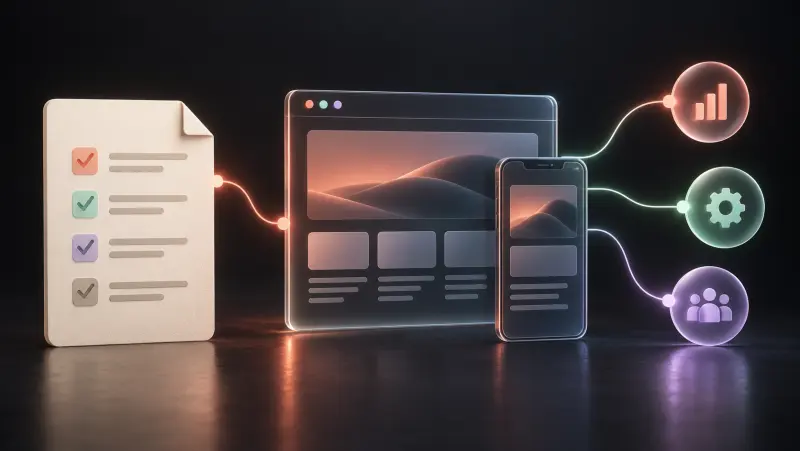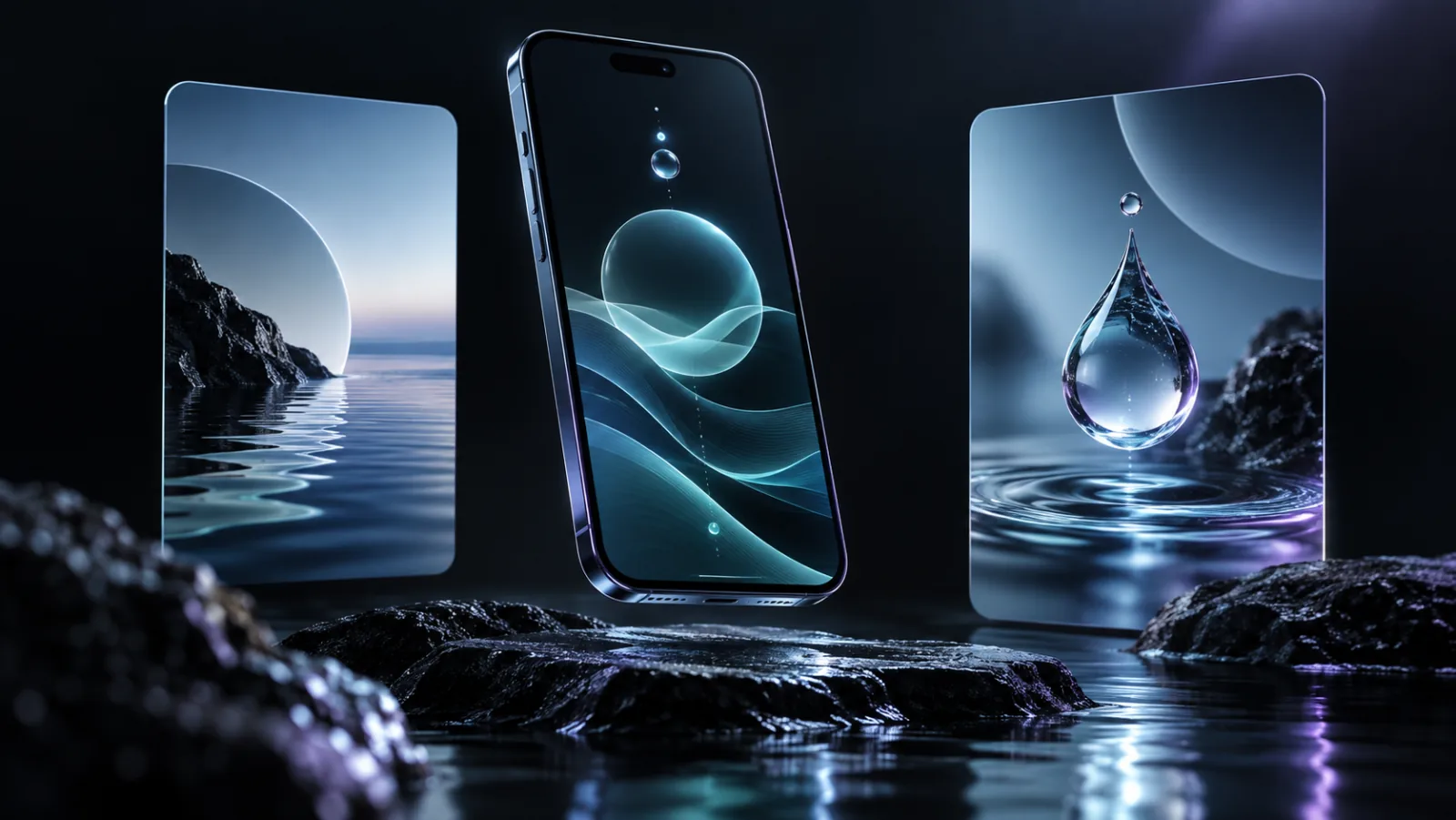
The brief: explain the product before the download
Water Sommelier is a hydration app. Our work focused on how people first meet the product: its visual identity, store presentation and website.
A store listing has limited space to explain an app. The message and visuals need to work together so a prospective user can understand its purpose and decide whether it fits their needs.
An identity that carries across touchpoints
We developed a visual language for the app, connecting its icon, screenshot gallery and website presentation. We also prepared App Store copy and screenshot materials, giving the product a consistent way to describe itself.
The approach treats the listing as part of the product experience: a clear opening message, information in a useful order, and imagery that supports what the copy says.
What we delivered
- App identity and icon.
- A screenshot gallery prepared from genuine iPhone and iPad app screens.
- Website presentation for the product and its store links.
- App Store listing copy and screenshot materials.
Project: Water Sommelier, Water Sommelier Inc. Identity, website and store presentation: Digital Studio (VISION GURU LTD).
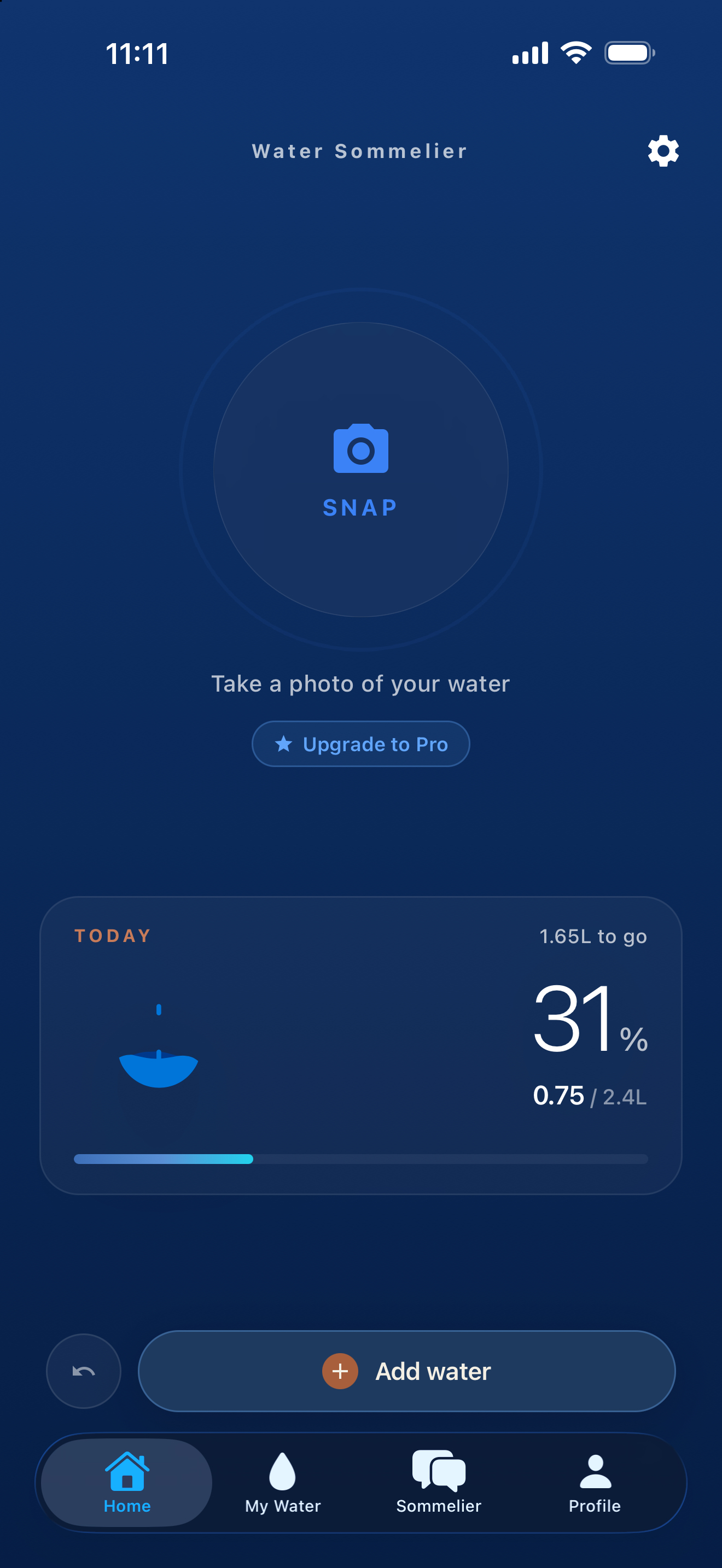
Explore the product at Water Sommelier.
For your app, the starting point is the audience, the problem it solves and the features ready to show. We use those inputs to define the brand and launch materials you need, with a scope agreed before work begins.
Separate the product build from its launch materials
An app’s identity and store listing are not the same deliverables as its development. For your project, define which screens and features are ready, which still need building, and which materials are needed for launch. This case study describes identity and presentation work; the scope of a new application is agreed separately.
- Prepare accurate screenshots of available features, rather than illustrating functions the product does not offer.
- Agree who maintains store copy, support contacts and privacy information when the app changes.
- Plan the handover of brand files and listing materials alongside the relevant account access.
Describe your app project so we can distinguish development, identity and launch needs in the proposal. Our digital project budget guide also explains why custom application workflows need their own scope.